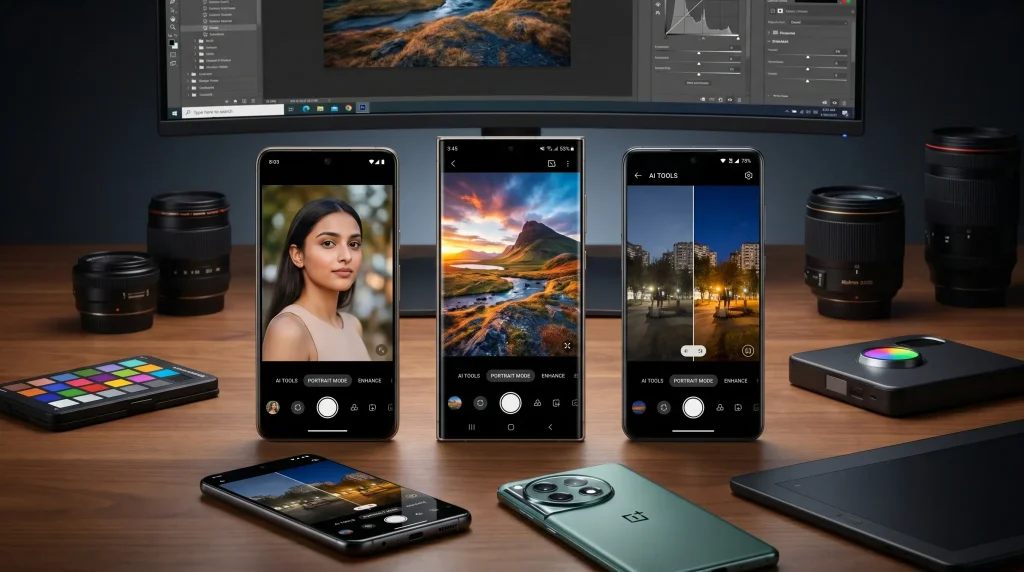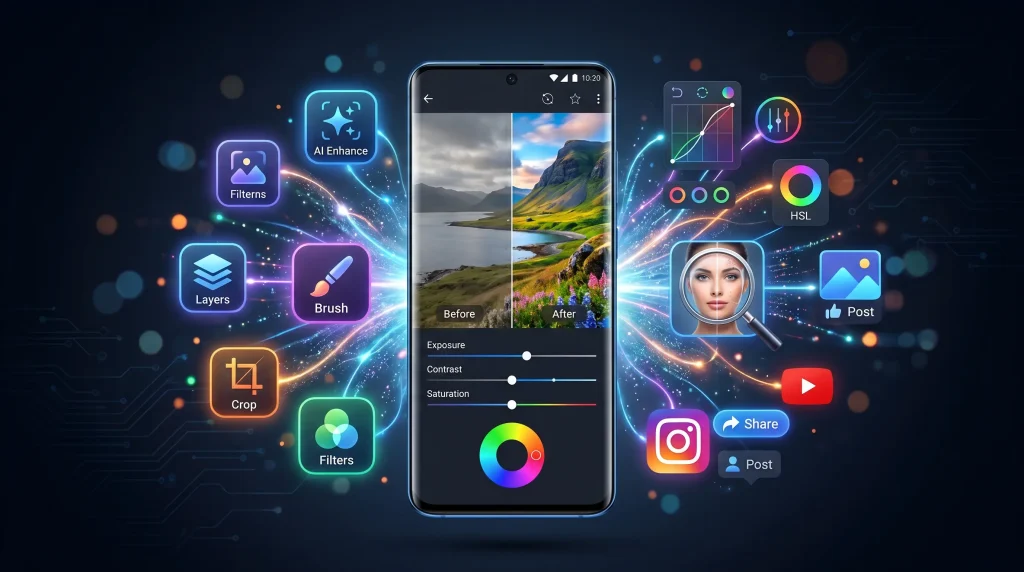
Smartphone cameras have improved dramatically over the years, making it possible to capture stunning photos without carrying expensive photography equipment. However, even the best smartphone cameras cannot always produce perfect images straight out of the camera. Lighting issues, color imbalances, unwanted objects, and other imperfections often require editing to achieve professional-looking results.
This is where photo editing apps come into play. Android users have access to hundreds of editing applications that offer everything from basic adjustments to advanced AI-powered enhancements. Whether you’re a social media creator, blogger, photographer, student, or casual user, the right photo editing app can dramatically improve your images.
In this comprehensive guide, we’ll explore the best photo editing apps for Android, their key features, advantages, disadvantages, and which type of users they are best suited for.
Table of Contents
Why Use a Photo Editing App on Android?
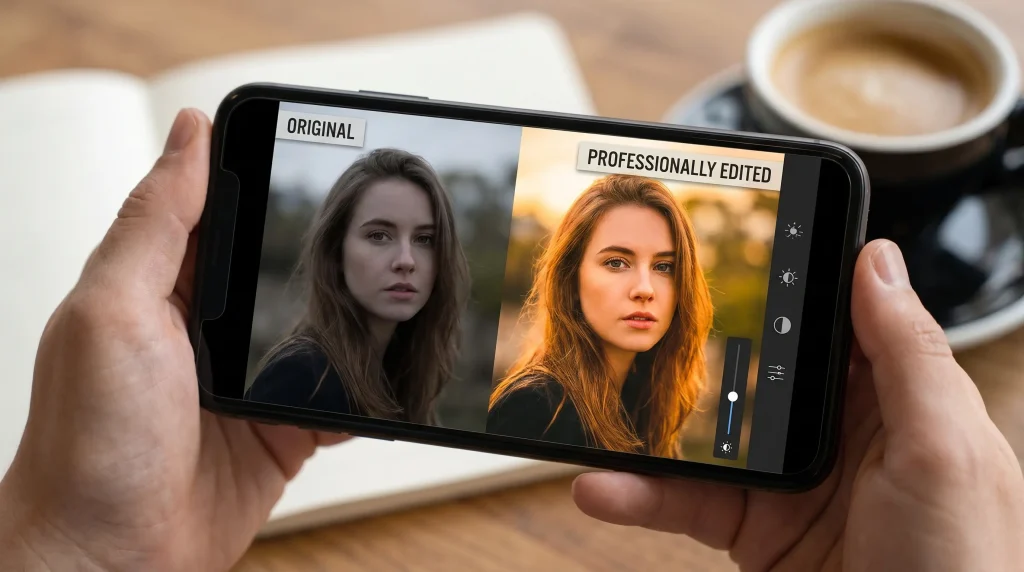
Modern photo editing apps do much more than simply crop images. They provide powerful tools that can completely transform your photos.
Some common reasons people use photo editing apps include:
- Improving image quality
- Enhancing colors and brightness
- Removing unwanted objects
- Creating social media content
- Designing marketing materials
- Applying artistic filters
- Retouching portraits
- Creating collages and graphics
- Restoring old photographs
- Adding text and visual effects
The latest AI-powered editing tools make professional-quality editing accessible even for beginners.
What Makes a Great Photo Editing App?
Before choosing an editing app, it’s important to understand what features matter most.
User-Friendly Interface
A good editing app should be easy to navigate. Complex tools are useful, but they should not overwhelm beginners.
Powerful Editing Tools
The best apps offer:
- Brightness adjustment
- Contrast control
- Saturation editing
- Sharpness enhancement
- Cropping and resizing
- Color correction
- Selective editing
AI Features
Artificial Intelligence has transformed mobile editing by automating complex tasks such as:
- Background removal
- Object erasing
- Portrait enhancement
- Sky replacement
- Automatic color correction
Export Quality
The app should preserve image quality when saving edited photos.
Free vs Paid Features
Some apps offer excellent free versions, while others require subscriptions for advanced tools.
1. Adobe Lightroom Mobile
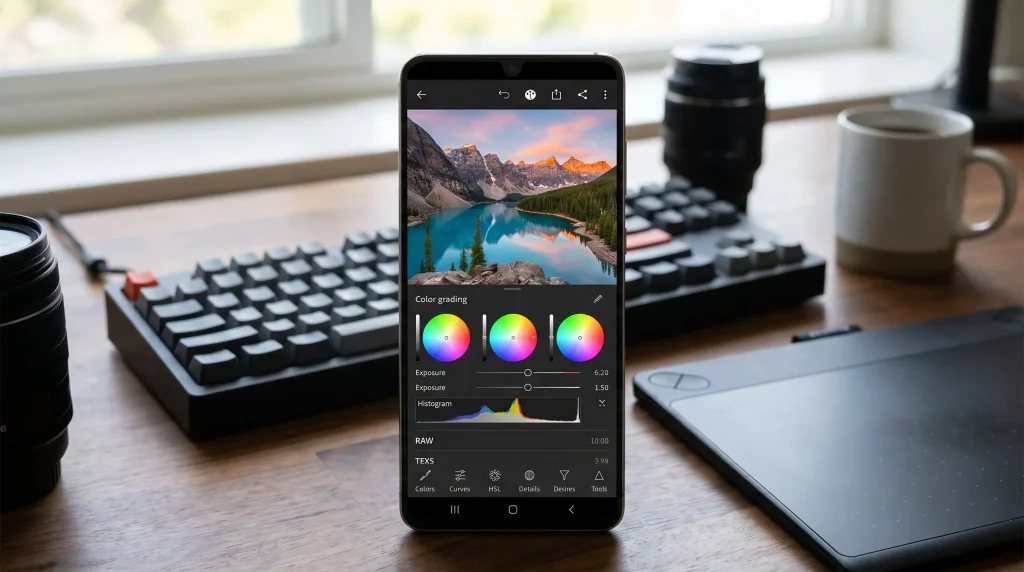
Adobe Lightroom Mobile is one of the most powerful photo editing apps available for Android users. Developed by Adobe, it brings professional-grade editing tools directly to your smartphone.
Key Features
Professional Color Grading
Lightroom offers advanced color correction tools that allow users to fine-tune every aspect of an image. The color grading system helps create cinematic and professional-looking photos.
Presets
Presets are one-tap editing settings that instantly transform images. Users can create their own presets or download presets from professional photographers.
Selective Editing
Instead of editing an entire image, Lightroom allows users to edit specific areas. This provides greater control over brightness, exposure, and color adjustments.
RAW Editing
Photographers who shoot in RAW format can edit their images without losing quality.
Cloud Synchronization
Users can access their projects across multiple devices using Adobe’s cloud ecosystem.
Pros
- Professional-level editing tools
- Excellent color control
- Supports RAW images
- Clean interface
- Powerful presets
Cons
- Some advanced tools require subscription
- Learning curve for beginners
Best For
Professional photographers, content creators, and advanced users.
2. Snapseed
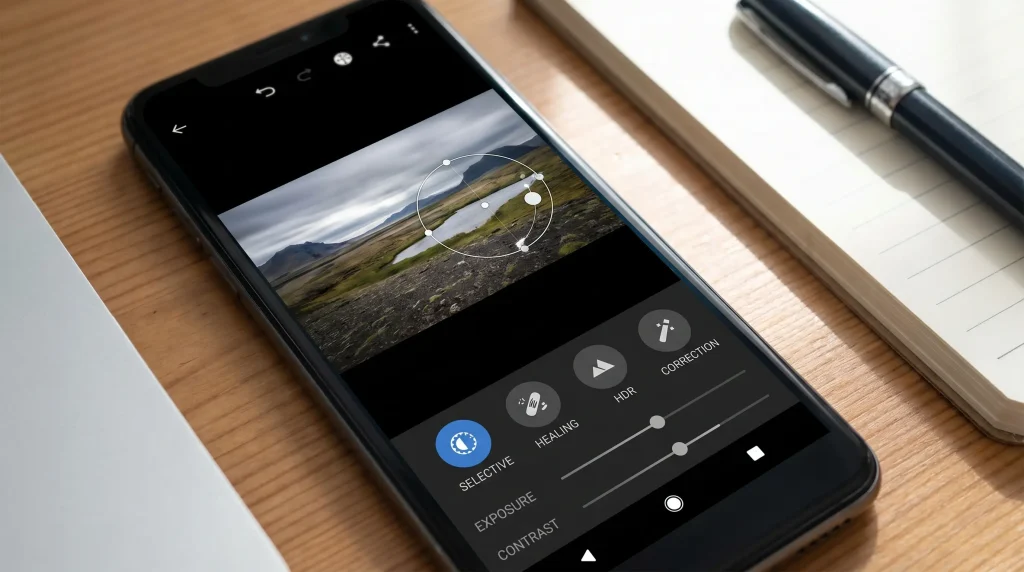
Snapseed remains one of the most popular free photo editing apps on Android. Developed by Google, it offers a wide range of professional editing tools completely free.
Key Features
Healing Tool
The healing tool allows users to remove unwanted objects from photos with remarkable accuracy.
Selective Adjustments
Users can edit specific parts of an image without affecting the entire photo.
HDR Scape
This feature enhances dynamic range and creates dramatic visual effects.
Curves Tool
Curves editing gives photographers precise control over image brightness and contrast.
Professional Filters
Snapseed includes numerous filters that can be customized according to personal preferences.
Pros
- Completely free
- No watermarks
- Powerful editing capabilities
- Easy to use
- Supports RAW files
Cons
- Limited template options
- Interface feels slightly outdated
Best For
Users seeking professional editing without paying for subscriptions.
3. PicsArt
PicsArt combines photo editing, graphic design, and creative effects into a single application.
It has become especially popular among social media creators because of its versatile editing capabilities.

Key Features
AI Image Generation
Users can create unique artwork using AI-powered generation tools.
Background Removal
One-click background removal simplifies product photography and content creation.
Sticker Library
Millions of stickers can be added to photos for creative projects.
Collage Maker
Users can combine multiple images into visually appealing collages.
Drawing Tools
PicsArt offers digital drawing and painting features for artistic users.
Pros
- Extensive creative tools
- Large community
- Excellent AI features
- Graphic design capabilities
Cons
- Frequent ads in free version
- Premium features locked behind subscription
Best For
Social media influencers, content creators, and designers.
4. Canva
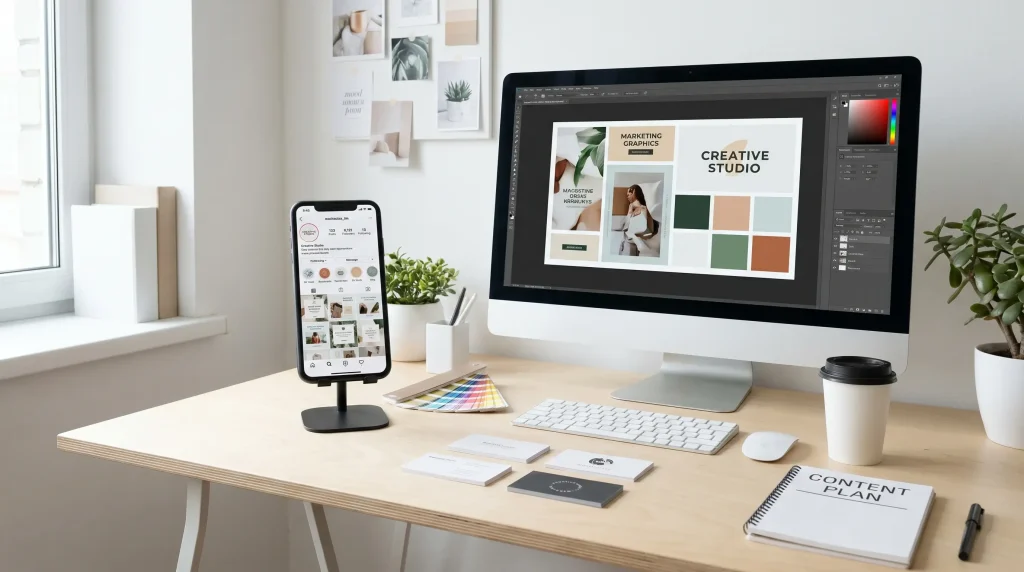
Although Canva is widely known as a graphic design platform, it also functions as an excellent photo editing application.
Many businesses and creators rely on Canva to create professional-looking visual content.
Key Features
Ready-Made Templates
Thousands of templates are available for:
- Instagram posts
- Facebook covers
- YouTube thumbnails
- Business presentations
- Marketing materials
AI Editing Tools
Canva includes advanced AI-powered editing options that simplify image enhancement.
Text Design
Users can add attractive typography and branding elements to their images.
Background Remover
Canva’s background remover helps create clean and professional visuals.
Brand Kits
Businesses can maintain consistent branding across all visual content.
Pros
- Beginner-friendly
- Massive template collection
- Great for social media
- Multi-purpose platform
Cons
- Limited advanced photo editing
- Premium subscription needed for some features
Best For
Business owners, marketers, and social media managers.
5. PhotoDirector
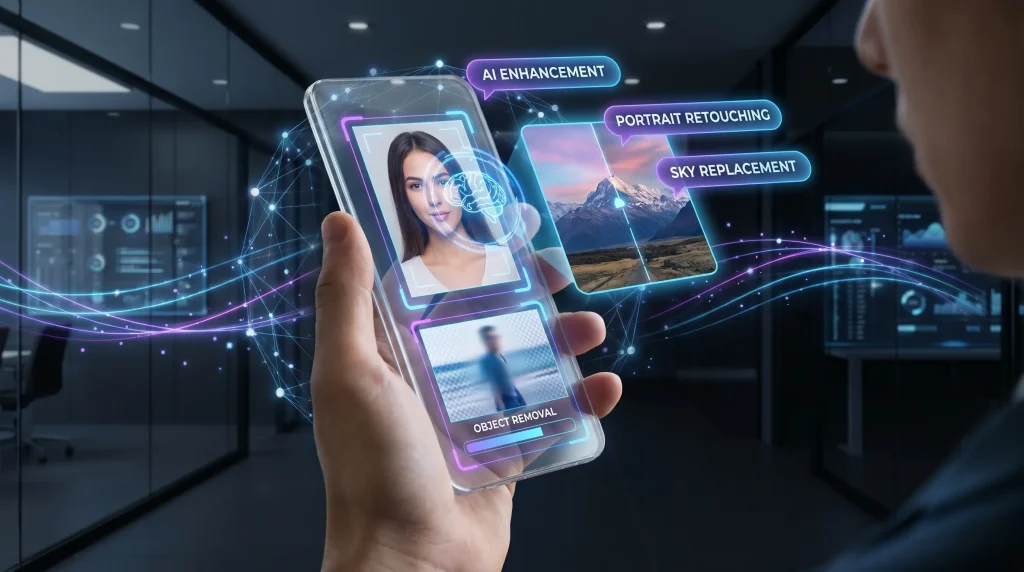
PhotoDirector is one of the fastest-growing Android editing apps thanks to its AI-powered tools and creative effects.
Key Features
AI Object Removal
Users can erase unwanted people and objects from photos with minimal effort.
Sky Replacement
Change dull skies into dramatic sunsets or blue skies instantly.
Face Retouching
The portrait editing tools improve facial appearance naturally.
Motion Effects
Create animated images and moving visual elements.
AI Avatars
Generate unique AI-powered portraits and artistic images.
Pros
- Advanced AI tools
- Creative editing features
- Modern interface
- Frequent updates
Cons
- Subscription required for premium features
- Some tools need internet connection
Best For
Creative users who enjoy AI-enhanced editing.
6. VSCO
VSCO has built a reputation as one of the most stylish photo editing apps available today.
Its filters are particularly popular among Instagram users.
Key Features
Premium Filters
VSCO offers high-quality filters inspired by classic film photography.
Minimalist Interface
The clean design allows users to focus on editing without distractions.
Advanced Adjustments
Users can fine-tune:
- Exposure
- Contrast
- Saturation
- White balance
- Sharpness
Community Platform
Photographers can share their work and discover inspiration from other creators.
Pros
- Beautiful film-style filters
- Simple interface
- Professional results
- Strong creative community
Cons
- Limited free features
- Subscription required for full access
Best For
Lifestyle photographers and Instagram creators.
7. Pixlr
Pixlr is a lightweight yet surprisingly powerful editing app.
It provides an excellent balance between simplicity and advanced functionality.
Key Features
Quick Auto-Fix
Automatically enhances photos with a single tap.
Double Exposure
Combine multiple images to create artistic compositions.
Overlay Effects
Add creative visual elements and textures.
Text Editing
Insert captions and stylish typography into images.
Filters and Effects
Large collection of filters for various editing styles.
Pros
- Easy to learn
- Lightweight application
- Quick editing workflow
- Good free features
Cons
- Advertisements in free version
- Limited advanced editing
Best For
Casual users and beginners.
8. Adobe Photoshop Express
Photoshop Express brings many of Adobe Photoshop’s popular features to mobile devices.
While not as powerful as the desktop version, it offers impressive editing capabilities.
Key Features
Quick Corrections
Improve brightness, contrast, and color balance instantly.
Spot Healing
Remove blemishes and unwanted objects with ease.
Advanced Filters
Apply professional-grade effects and visual enhancements.
Noise Reduction
Improve low-light photos and reduce graininess.
Perspective Correction
Fix distorted angles and architectural images.
Pros
- Trusted Adobe ecosystem
- Easy-to-use interface
- High-quality results
- Strong correction tools
Cons
- Some premium features locked
- Less powerful than Lightroom
Best For
Users who want fast professional edits.
Choosing the Right Photo Editing App
The best app depends entirely on your needs.
Choose Lightroom If:
- You shoot RAW photos
- You need professional controls
- You want advanced color grading
Choose Snapseed If:
- You want a completely free solution
- You need powerful editing tools
- You dislike subscriptions
Choose PicsArt If:
- You create social media content
- You enjoy creative effects
- You need graphic design tools
Choose Canva If:
- You design marketing materials
- You create social media graphics
- You want ready-made templates
Choose VSCO If:
- You love film-style photography
- You prefer minimalist editing
Choose PhotoDirector If:
- You enjoy AI-powered features
- You want creative effects
AI Photo Editing Trends Transforming Android Photography
Artificial Intelligence has completely changed how people edit photos on Android devices. What once required advanced skills and expensive desktop software can now be accomplished with a few taps on a smartphone screen.
Modern AI editing tools analyze images automatically and make intelligent adjustments that improve overall quality. These technologies save time while delivering professional-looking results.
AI Background Removal
Background removal used to be one of the most difficult editing tasks. Today, AI can accurately identify subjects and separate them from backgrounds within seconds.
This feature is especially useful for:
- E-commerce product photography
- Social media content creation
- Professional profile pictures
- Marketing materials
- Graphic design projects
Apps like PicsArt, Canva, and PhotoDirector offer excellent AI-powered background removal tools.
AI Portrait Enhancement
Portrait editing has become significantly easier with AI technology.
Modern editing apps can automatically:
- Smooth skin naturally
- Remove blemishes
- Brighten eyes
- Whiten teeth
- Enhance facial features
- Improve lighting
The best part is that many AI tools now focus on maintaining a realistic appearance rather than creating an overly edited look.
AI Object Removal
Have you ever taken a perfect photo only to discover an unwanted person or object in the background?
AI object removal tools can erase distractions and intelligently fill the empty space, making it appear as though the object was never there.
This feature has become one of the most popular editing tools among smartphone photographers.
AI Sky Replacement
Sky replacement technology allows users to transform dull and cloudy skies into vibrant sunsets, dramatic clouds, or clear blue skies.
Travel photographers and social media creators frequently use this feature to create more visually appealing images.
AI Image Enhancement
Many Android editing apps now include one-tap enhancement features.
These tools automatically adjust:
- Brightness
- Contrast
- Saturation
- Sharpness
- White balance
- Dynamic range
The result is a significantly improved image with minimal effort.
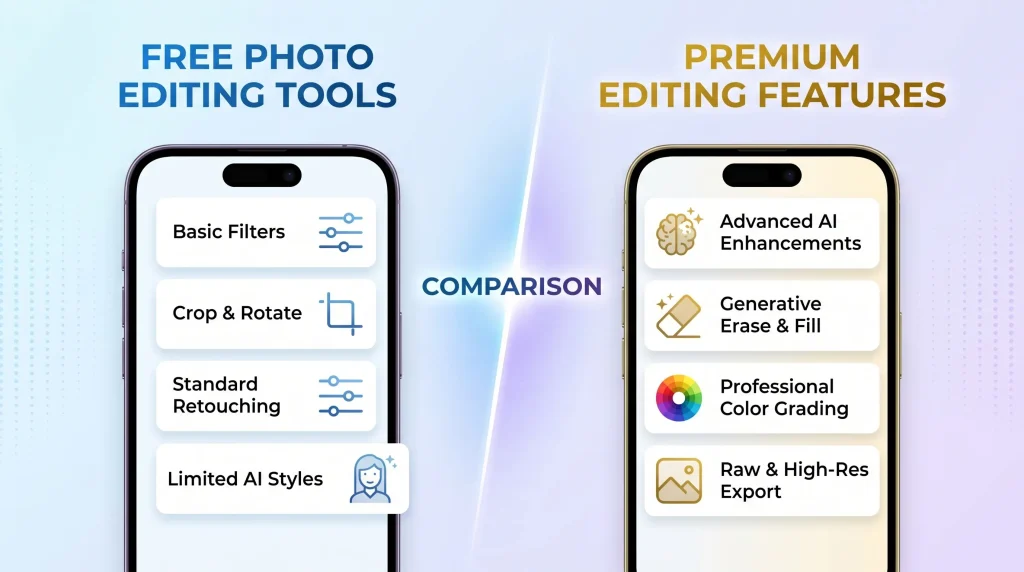
Free vs Paid Photo Editing Apps
One of the biggest questions Android users ask is whether they should choose a free photo editor or invest in a premium subscription.
The answer depends on individual needs and editing requirements.
Advantages of Free Photo Editing Apps
Free editing apps have improved tremendously over the years.
Benefits include:
No Financial Commitment
Users can edit photos without paying monthly or yearly subscription fees.
Perfect for Beginners
Most free apps provide enough features for casual editing and social media content.
Easy Access
Free apps can be downloaded instantly from the Google Play Store.
Learning Opportunity
Beginners can learn editing fundamentals before investing in premium software.
Popular free options include:
- Snapseed
- Pixlr
- Adobe Photoshop Express (basic version)
- Canva Free
Advantages of Paid Photo Editing Apps
Premium subscriptions unlock advanced tools that can significantly improve workflow and results.
Benefits include:
Professional Features
Paid apps often include:
- Advanced masking
- Selective adjustments
- AI enhancements
- Premium filters
- RAW editing
Better Export Quality
Premium users usually enjoy higher-resolution exports without compression issues.
Cloud Storage
Many premium services include cloud synchronization and backup features.
Ad-Free Experience
Subscriptions eliminate distracting advertisements and interruptions.
Popular premium options include:
- Adobe Lightroom Premium
- VSCO Membership
- PicsArt Gold
- Canva Pro
- PhotoDirector Premium
Comparison Table: Best Android Photo Editing Apps
| App | Best For | Free Version | AI Features | Professional Tools |
|---|---|---|---|---|
| Adobe Lightroom | Professional Photography | Yes | Moderate | Excellent |
| Snapseed | Free Professional Editing | Yes | Basic | Excellent |
| PicsArt | Creative Editing | Yes | Strong | Good |
| Canva | Social Media Graphics | Yes | Strong | Moderate |
| PhotoDirector | AI Editing | Yes | Excellent | Good |
| VSCO | Filters & Aesthetic Photos | Limited | Moderate | Good |
| Pixlr | Quick Editing | Yes | Basic | Moderate |
| Photoshop Express | Fast Professional Fixes | Yes | Moderate | Good |
Essential Photo Editing Tips for Android Users
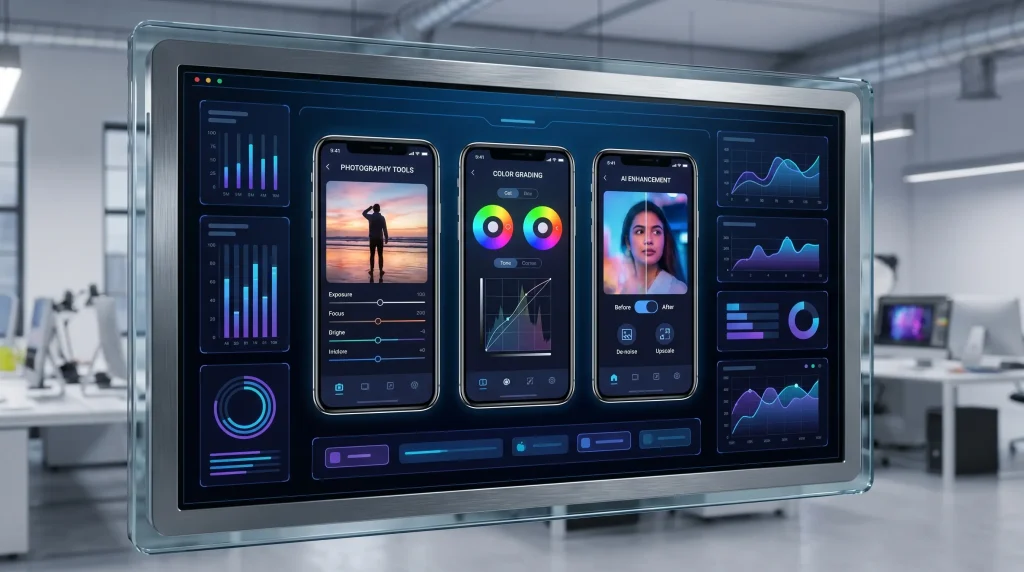
Even the best editing app cannot compensate for poor editing practices. Following these tips can help produce more professional and visually appealing results.
Start with a High-Quality Photo
Editing works best when the original image is already reasonably good.
Try to:
- Use proper lighting
- Keep the camera stable
- Focus correctly
- Avoid excessive zooming
Better source images lead to better editing results.
Avoid Overediting
One of the most common mistakes beginners make is applying excessive effects.
Overediting often results in:
- Unrealistic colors
- Excessive sharpness
- Artificial skin textures
- Unnatural lighting
The best edits are often subtle and natural-looking.
Adjust Exposure First
Before applying filters or effects, fix exposure issues.
Focus on:
- Brightness
- Shadows
- Highlights
- Contrast
A properly exposed image provides a stronger foundation for additional editing.
Use Selective Editing
Instead of editing the entire image, selectively enhance important areas.
Examples include:
- Brightening a face
- Enhancing the sky
- Increasing subject sharpness
- Improving background blur
Selective adjustments create more balanced results.
Maintain Natural Skin Tones
Portrait editing should enhance appearance without making people look unrealistic.
Avoid:
- Excessive smoothing
- Extreme whitening
- Oversaturated skin colors
Natural portraits generally appear more professional and appealing.
Crop for Better Composition
Cropping can dramatically improve image composition.
Popular composition techniques include:
Rule of Thirds
Position important subjects along grid lines rather than in the center.
Symmetry
Use balanced elements to create visually pleasing images.
Leading Lines
Guide the viewer’s eye toward the main subject.
Good composition often has a greater impact than heavy editing.
Common Photo Editing Mistakes to Avoid
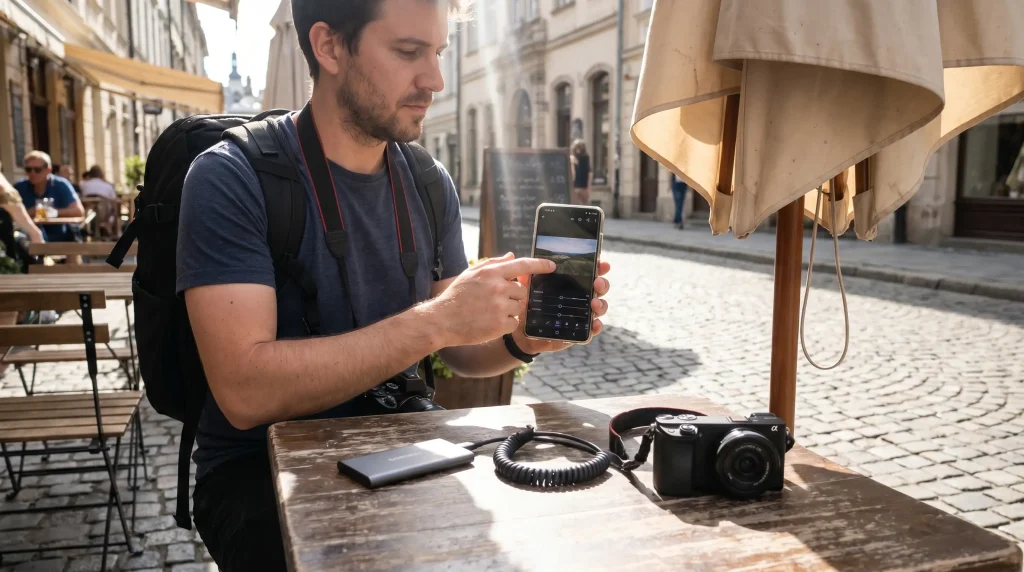
Many Android users unknowingly reduce photo quality through poor editing habits.
Here are some common mistakes to avoid.
Excessive Filter Usage
Applying strong filters can make images look outdated and artificial.
Instead:
- Use filters sparingly
- Adjust filter intensity
- Focus on natural enhancements
Over-Sharpening Images
Too much sharpening creates unnatural edges and visual noise.
Moderate sharpening helps improve detail while maintaining realism.
Ignoring White Balance
Incorrect white balance can cause images to appear:
- Too blue
- Too orange
- Too green
Always check color accuracy before exporting photos.
Compressing Images Repeatedly
Saving and re-editing images multiple times can reduce quality.
Whenever possible:
- Keep original files
- Edit high-resolution images
- Export only when finished
Following Every Trend
Editing trends change frequently.
What looks popular today may appear outdated tomorrow.
Focus on timeless editing styles that emphasize:
- Good lighting
- Accurate colors
- Natural appearance
- Balanced composition
Best Photo Editing Apps Based on User Type
Different users have different editing needs.
Here are the best recommendations for specific audiences.
Best App for Beginners
Snapseed
Why it’s recommended:
- Completely free
- Easy interface
- Professional features
- No watermarks
Beginners can learn editing fundamentals without spending money.
Best App for Professional Photographers
Adobe Lightroom Mobile
Why it’s recommended:
- RAW editing support
- Advanced color grading
- Professional workflow
- Cloud synchronization
Lightroom remains one of the strongest mobile editing solutions available.
Best App for Social Media Creators
PicsArt
Why it’s recommended:
- Creative effects
- AI tools
- Stickers and overlays
- Trend-focused features
Perfect for creating eye-catching content.
Best App for Businesses
Canva
Why it’s recommended:
- Marketing templates
- Branding tools
- Easy collaboration
- Professional designs
Businesses can create attractive visual content quickly.
Best AI Photo Editor
PhotoDirector
Why it’s recommended:
- AI object removal
- AI sky replacement
- AI avatars
- Smart enhancements
Ideal for users who want advanced AI capabilities.
Frequently Asked Questions
Which Is the Best Free Photo Editing App for Android?
Snapseed is widely considered one of the best free photo editing apps because it offers professional-grade tools without requiring a subscription.
Is Lightroom Better Than Snapseed?
Lightroom provides more advanced professional tools, especially for RAW photography and color grading.
Snapseed is easier for casual users and remains completely free.
Which App Is Best for Instagram Photos?
VSCO, Lightroom, and PicsArt are among the top choices for Instagram content creation.
Are AI Photo Editors Worth Using?
Yes. Modern AI editors can save significant time while producing impressive results. However, manual adjustments may still be necessary for professional-quality work.
Do Photo Editing Apps Reduce Image Quality?
Not necessarily. High-quality editing apps preserve image resolution when proper export settings are used.
Final Verdict: Which Android Photo Editing App Should You Choose?
The Android ecosystem offers excellent photo editing applications for every type of user.
If you want a completely free professional editor, Snapseed remains one of the strongest options available. It combines powerful editing capabilities with a user-friendly experience and zero subscription costs.
For photographers who demand maximum control and professional-level editing, Adobe Lightroom Mobile is the clear winner. Its advanced color grading, RAW support, and cloud integration make it a favorite among professionals.
Content creators looking for creative effects and social media tools will appreciate PicsArt, while businesses and marketers can benefit greatly from Canva’s template-based design system.
Users interested in cutting-edge artificial intelligence features should consider PhotoDirector, which continues to push the boundaries of mobile editing technology.
Ultimately, the best photo editing app for Android depends on your goals, skill level, and workflow. Fortunately, most of these apps offer free versions, allowing you to test their features and discover which one fits your editing style best.
With the right app and a little practice, your Android smartphone can become a powerful photo editing studio capable of producing professional-quality images for social media, business, photography, and personal projects.