Introduction
Short-form videos have completely changed the way people create and consume content online. Platforms like TikTok, Instagram Reels, YouTube Shorts, Facebook Reels, and Snapchat Spotlight have created endless opportunities for creators, influencers, businesses, and brands to reach millions of viewers within minutes.
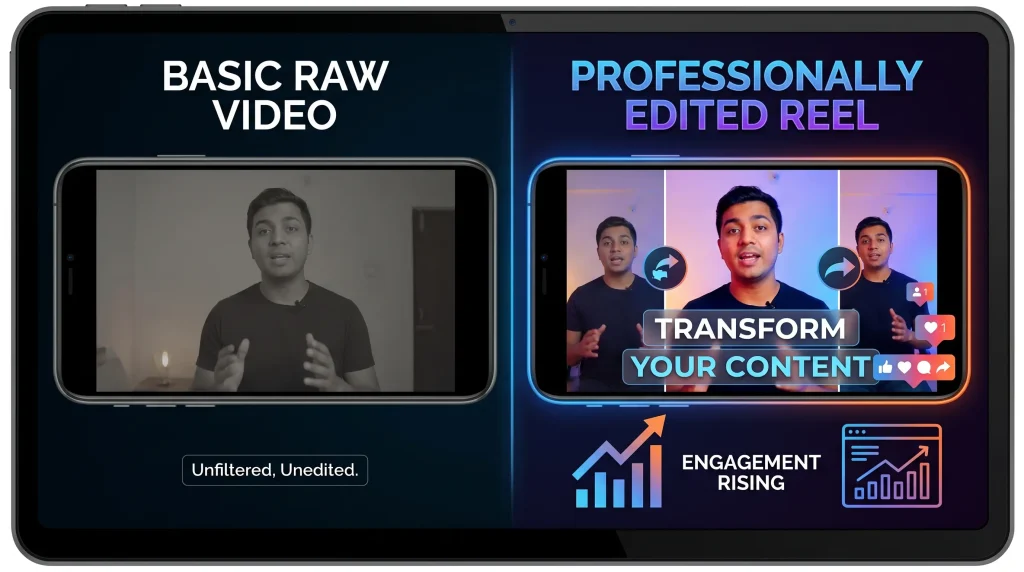
However, creating a successful Reel or TikTok requires more than simply recording a video and uploading it. Viewers expect smooth transitions, eye-catching effects, engaging captions, trending sounds, and professional-looking edits. This is where video editing apps play a crucial role.
The right video editing app can transform ordinary footage into engaging content that captures attention instantly. Whether you’re a beginner looking for simple editing tools or a professional creator seeking advanced features, there are countless apps available to help you create viral short-form videos.
In this guide, we’ll explore the best video editing apps for Reels and TikTok, discussing their features, advantages, disadvantages, pricing, and who they’re best suited for.
Table of Contents
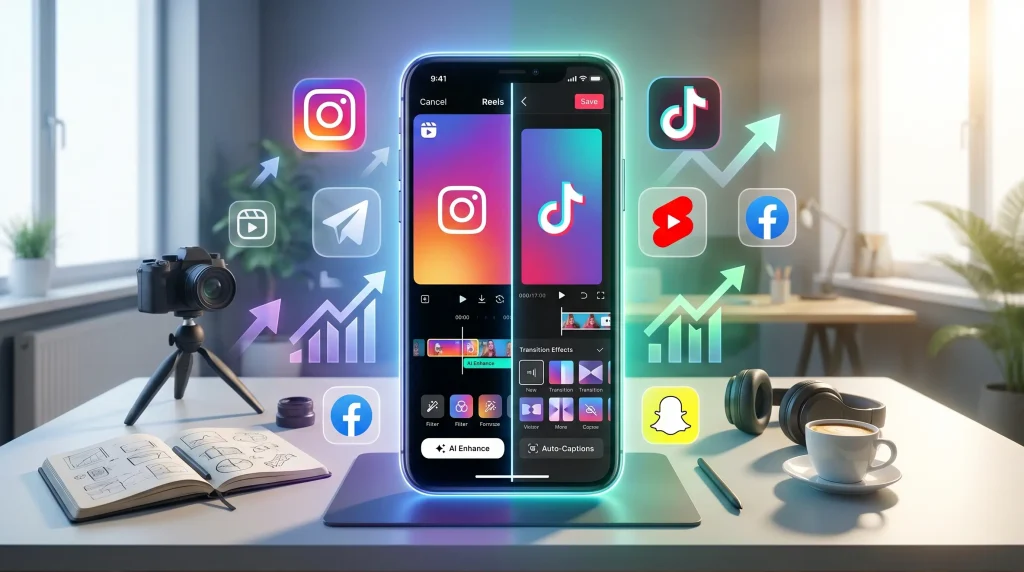
Why Video Editing Matters for Reels and TikTok
Before diving into the apps, it’s important to understand why editing is essential.
Short-form content is highly competitive. Users scroll rapidly through their feeds, often deciding within seconds whether a video is worth watching. Effective editing helps:
- Capture attention immediately
- Increase watch time
- Improve audience engagement
- Enhance storytelling
- Add professional appeal
- Boost chances of going viral
Features such as transitions, text overlays, visual effects, color correction, sound synchronization, and motion graphics can dramatically improve the quality of your content.
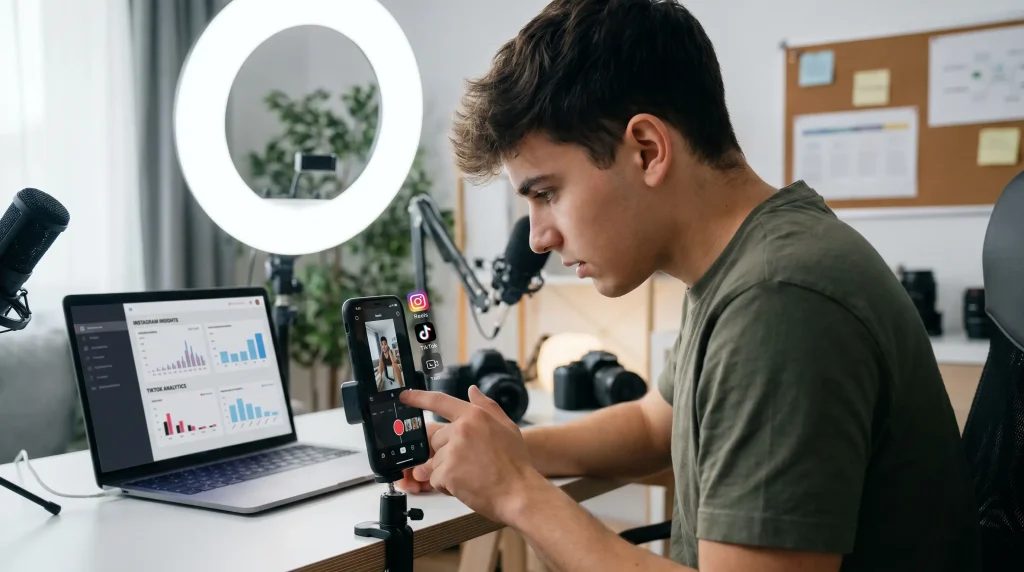
What Makes a Great Video Editing App?
Not all editing apps are designed specifically for short-form content. The best apps for Reels and TikTok usually include:
User-Friendly Interface
Creators should be able to edit quickly without a steep learning curve.
Trending Effects
Popular transitions and effects help videos align with current social media trends.
Music Integration
Easy access to royalty-free music and sound effects improves content quality.
Text and Captions
Captions increase accessibility and boost engagement.
AI Features
Artificial intelligence tools can automate tasks such as caption generation, background removal, and object tracking.
Export Quality
High-resolution exports ensure videos look professional on all devices.
Mobile Optimization
Since most creators edit on smartphones, mobile-friendly editing is essential.
1. CapCut
Overview
CapCut has become one of the most popular video editing apps for TikTok creators. Developed by ByteDance, the same company behind TikTok, it offers powerful editing tools specifically designed for short-form content.
Many viral TikTok trends are created using CapCut templates, making it a favorite among creators worldwide.
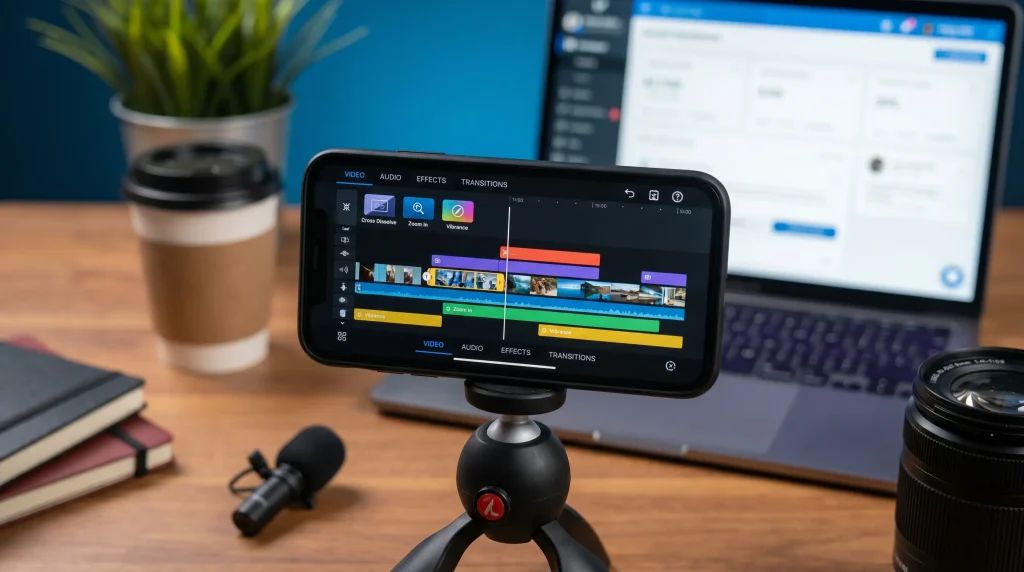
Key Features
- One-tap templates
- AI-powered editing tools
- Auto captions
- Background removal
- Advanced transitions
- Motion tracking
- Speed controls
- Large music library
- Filters and effects
Pros
- Beginner-friendly
- Professional-quality output
- Frequent updates
- Excellent TikTok integration
- Free version includes many features
Cons
- Some advanced tools require payment
- Occasional export delays on older devices
Best For
- TikTok creators
- Instagram Reel creators
- Beginners and professionals
2. InShot
Overview
InShot has been a favorite mobile editing app for years. Its simplicity makes it ideal for creators who want fast edits without sacrificing quality.
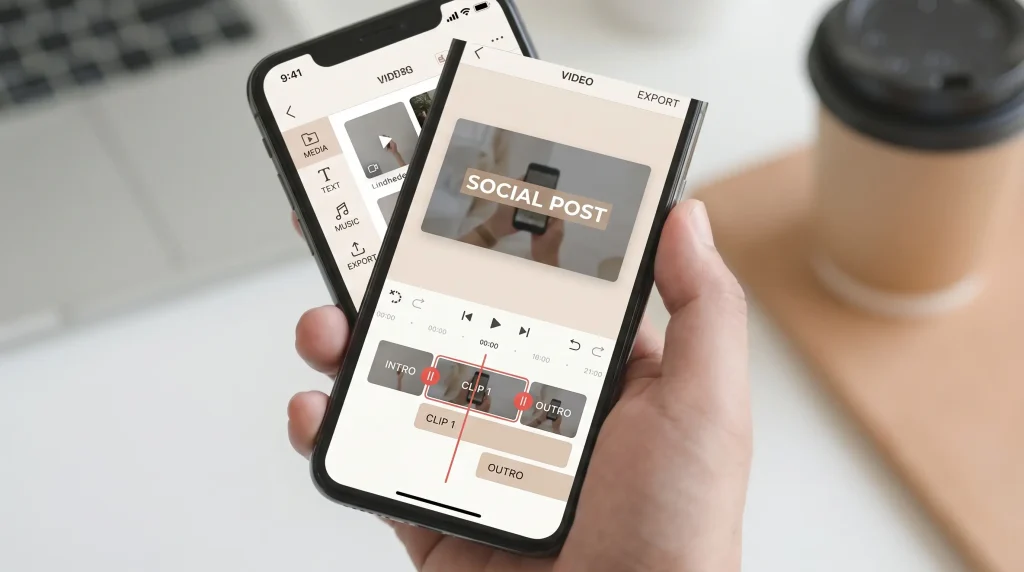
The app allows users to trim clips, add music, apply filters, insert text, and create professional social media content in minutes.
Key Features
- Video trimming
- Music library
- Speed adjustment
- Video splitting
- Text animations
- Stickers and emojis
- Background blur
- Aspect ratio presets
Pros
- Easy to learn
- Fast workflow
- Great for beginners
- Reliable exports
Cons
- Free version contains watermarks
- Limited advanced editing tools
Best For
- New content creators
- Small business owners
- Quick Reel production
3. Adobe Premiere Rush
Overview
Adobe Premiere Rush brings professional Adobe editing technology into a simplified mobile platform. It’s designed specifically for social media creators who need powerful editing capabilities without the complexity of desktop software.
Key Features
- Multi-track editing
- Professional transitions
- Audio enhancement
- Color correction
- Cloud synchronization
- Social media export presets
Pros
- High-quality editing tools
- Trusted Adobe ecosystem
- Cross-device editing
- Professional results
Cons
- Premium subscription required for full access
- Slightly steeper learning curve
Best For
- Serious content creators
- Freelancers
- Marketing professionals
4. VN Video Editor
Overview
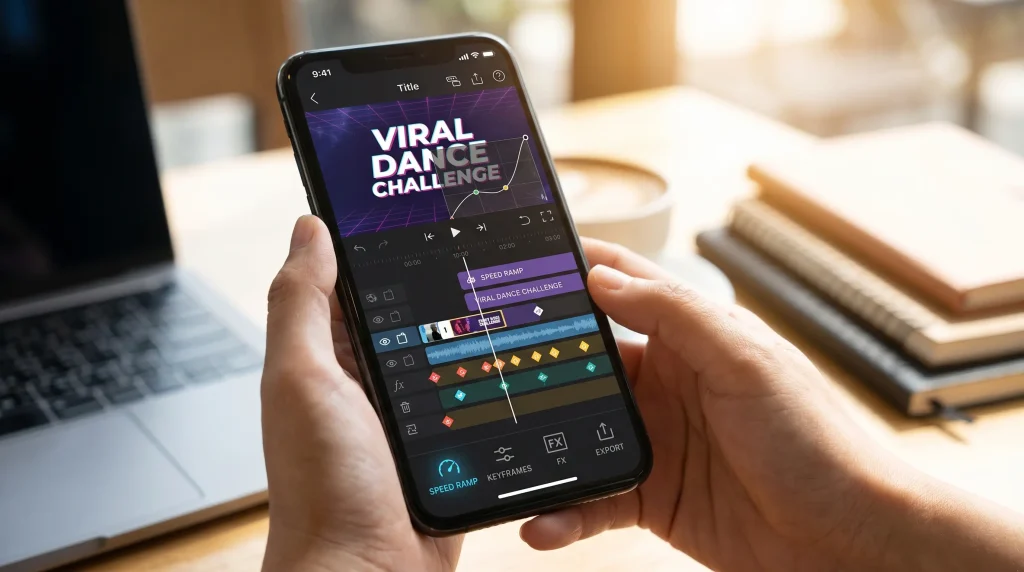
VN Video Editor has quickly gained popularity among creators because it offers many professional editing features completely free.
Unlike many editing apps that lock advanced features behind subscriptions, VN provides robust editing tools without forcing users to upgrade.
Key Features
- Multi-layer timeline
- Keyframe animation
- Speed ramping
- Custom transitions
- Audio editing
- Text animations
- Color grading
Pros
- Free to use
- No watermark
- Professional capabilities
- Smooth performance
Cons
- Interface may feel overwhelming initially
- Smaller effect library compared to CapCut
Best For
- Intermediate editors
- Creators wanting advanced features for free
5. Canva Video Editor
Overview
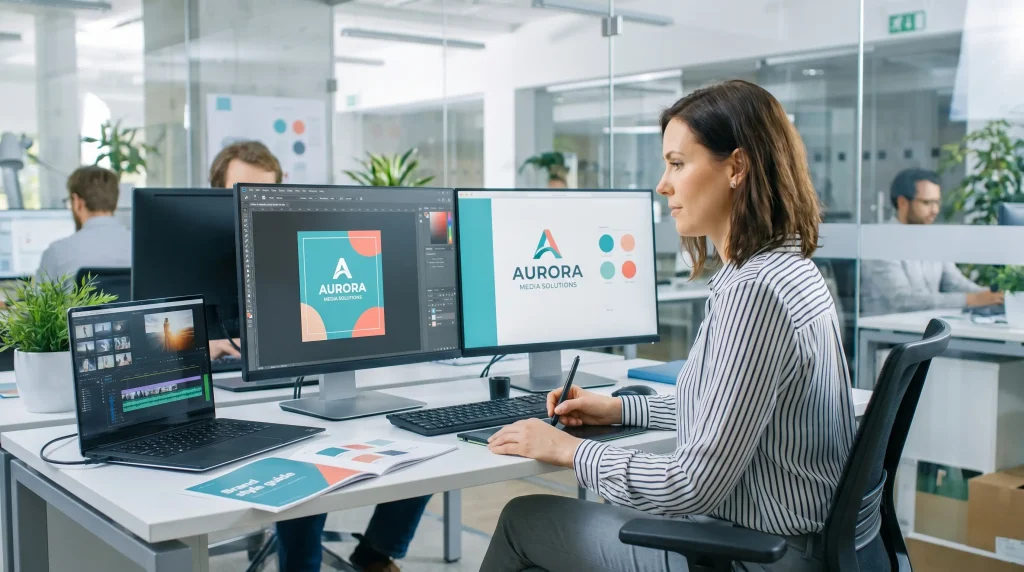
Canva is widely known as a graphic design platform, but its video editing tools have improved significantly.
For creators focused on branding, Canva offers a powerful combination of video editing and graphic design capabilities.
Key Features
- Drag-and-drop editing
- Animated text
- Brand kits
- Templates
- Stock footage
- Audio library
- Social media sizing
Pros
- Extremely easy to use
- Excellent for branded content
- Thousands of templates
- Team collaboration features
Cons
- Limited advanced editing functions
- Not ideal for complex video projects
Best For
- Businesses
- Social media managers
- Marketing teams
6. KineMaster
Overview
KineMaster has long been considered one of the most powerful mobile video editors available.
It offers desktop-level functionality while remaining accessible on smartphones and tablets.
Key Features
- Multi-layer editing
- Chroma key
- Voiceovers
- Audio mixing
- Keyframe animation
- Visual effects
- Color adjustments
Pros
- Professional features
- Flexible editing workflow
- Strong audio controls
- High-quality exports
Cons
- Subscription required for premium features
- Can be overwhelming for beginners
Best For
- Advanced mobile editors
- YouTubers
- Professional creators
7. Filmora
Overview
Filmora has become increasingly popular among social media creators because it balances ease of use with advanced functionality.
Its modern interface and AI-powered tools help users create engaging videos quickly.
Key Features
- AI smart cutout
- Motion tracking
- Auto captions
- Audio enhancement
- Effects library
- Color correction
- Templates
Pros
- User-friendly
- Strong AI features
- Frequent updates
- Professional output
Cons
- Premium plan required for many features
- Some exports can be slower on mobile devices
Best For
- Growing creators
- Influencers
- Social media marketers
8. Splice
Overview
Splice focuses on simplicity while still providing enough features to create polished Reels and TikTok videos.
Its clean interface makes editing approachable for beginners.
Key Features
- Quick trimming
- Music integration
- Filters
- Text overlays
- Speed controls
- Sound effects
Pros
- Simple interface
- Fast editing process
- Good audio tools
Cons
- Fewer advanced features
- Premium subscription needed for full access
Best For
- Casual creators
- Beginners
- Lifestyle influencers
9. PowerDirector
Overview
PowerDirector is one of the most feature-rich video editing applications available for mobile devices. Developed by CyberLink, it combines professional-level editing tools with a user-friendly interface.
The app is particularly useful for creators who want cinematic effects, advanced transitions, and AI-powered editing features without using a desktop computer.
Key Features
- AI object removal
- Motion tracking
- Green screen editing
- Video stabilization
- Speed controls
- Animated titles
- Voice effects
- 4K exporting
Pros
- Professional editing capabilities
- Excellent performance
- AI-powered tools
- Frequent updates
Cons
- Premium features require a subscription
- Learning curve for new users
Best For
- Professional content creators
- Influencers
- Advanced mobile editors
10. PicsArt Video Editor
Overview
Many creators know PicsArt as a photo editing platform, but its video editing tools have become increasingly powerful.
The app combines video editing, graphic design, stickers, effects, and creative assets in one place, making it ideal for social media creators.
Key Features
- Video trimming
- Creative effects
- Animated stickers
- Filters
- Text overlays
- Music integration
- AI-powered editing tools
Pros
- Large creative asset library
- Beginner-friendly
- Great for trendy content
Cons
- Some premium assets require payment
- Limited advanced editing controls
Best For
- Lifestyle creators
- Fashion influencers
- Creative social media content
11. VivaVideo
Overview
VivaVideo remains a popular choice among creators who want quick and simple edits for short-form videos.
Its extensive template library helps users produce engaging content rapidly.
Key Features
- Ready-made templates
- Video transitions
- Text animations
- Music library
- Stickers
- Video effects
Pros
- Easy to use
- Fast editing process
- Suitable for beginners
Cons
- Watermark in free version
- Fewer professional features
Best For
- New creators
- Casual social media users
AI Video Editing Apps Changing Content Creation
Artificial intelligence is transforming video editing. Many modern apps now automate tasks that previously required professional skills.
AI tools can:
- Generate captions automatically
- Remove backgrounds
- Suggest edits
- Improve audio quality
- Create transitions
- Track objects
- Enhance video quality
These features save creators significant time while improving content quality.
Best AI Video Editing Apps for Reels & TikTok
CapCut AI Tools
CapCut offers:
- Auto captions
- AI background removal
- AI effects
- AI avatars
- AI voiceovers
These tools help creators produce engaging videos quickly.
Filmora AI Features
Filmora includes:
- AI smart cutout
- AI copywriting assistance
- AI audio enhancement
- AI thumbnail generation
These features simplify content production for creators and marketers.
PowerDirector AI Features
PowerDirector provides:
- AI object removal
- AI body effects
- AI video enhancement
- AI sky replacement
These capabilities help videos stand out in crowded social feeds.
Free vs Paid Video Editing Apps
One common question creators ask is whether they should use a free or paid video editing app.
The answer depends on content goals and editing requirements.
Free Apps Advantages
- No financial investment
- Beginner-friendly
- Sufficient for basic editing
- Easy to learn
Examples:
- CapCut
- VN Video Editor
- Canva Free
- InShot Free
Free Apps Limitations
- Watermarks
- Limited effects
- Fewer export options
- Restricted AI tools
Paid Apps Advantages
- Professional features
- Better effects
- Advanced color grading
- Enhanced audio controls
- Premium templates
- Watermark-free exports
Examples:
- Adobe Premiere Rush Premium
- Filmora Premium
- PowerDirector Premium
- KineMaster Premium
Paid Apps Limitations
- Monthly subscription costs
- More advanced learning requirements
How to Choose the Right Video Editing App
Not every creator needs the same editing software.
Consider the following factors:
Your Experience Level
Beginners
Best choices:
- InShot
- Canva
- CapCut
These apps have simple interfaces and require little editing experience.
Intermediate Creators
Best choices:
- VN Video Editor
- Filmora
- PowerDirector
These provide more creative flexibility.
Advanced Editors
Best choices:
- KineMaster
- Adobe Premiere Rush
- PowerDirector
These apps offer professional-level controls.
Content Type
Lifestyle Content
Recommended apps:
- CapCut
- InShot
- PicsArt
Educational Content
Recommended apps:
- Canva
- Premiere Rush
- Filmora
Business Marketing
Recommended apps:
- Canva
- Premiere Rush
- PowerDirector
Trend-Based TikTok Content
Recommended apps:
- CapCut
- VN Editor
- InShot
Essential Editing Features for Viral Reels and TikTok Videos
The best creators consistently use specific editing techniques.
Fast-Paced Cuts
Quick scene changes maintain viewer attention and improve retention.
Captions
Many users watch videos without sound.
Adding captions increases:
- Watch time
- Accessibility
- Engagement
Trending Effects
Using current effects helps content align with platform trends.
Music Synchronization
Matching cuts and transitions to music beats creates a more satisfying viewing experience.
Hooks
The first few seconds determine whether viewers continue watching.
Strong editing can strengthen your opening hook significantly.
Common Video Editing Mistakes to Avoid
Even the best editing apps cannot compensate for poor editing decisions.
Overusing Effects
Too many effects can make videos distracting.
Keep edits purposeful and clean.
Poor Audio Quality
Viewers often forgive average visuals but rarely tolerate bad audio.
Use noise reduction and audio enhancement tools whenever possible.
Excessive Text
Too much text can overwhelm viewers.
Focus on concise, impactful messaging.
Inconsistent Branding
Creators building a personal brand should maintain consistent:
- Fonts
- Colors
- Editing style
- Visual identity
Ignoring Mobile Viewers
Always preview videos in vertical format before posting.
Most Reels and TikTok videos are watched on smartphones.
Tips for Creating Better Reels and TikTok Videos
Follow Current Trends
Monitor trending:
- Sounds
- Challenges
- Editing styles
- Effects
Adapting trends quickly can increase visibility.
Keep Videos Concise
Even though platforms allow longer videos, shorter content often performs better.
Aim to deliver value quickly.
Use High-Quality Footage
Editing can improve a video but cannot fully fix poor-quality recordings.
Use:
- Good lighting
- Stable footage
- Clear audio
Experiment Consistently
Successful creators test different:
- Hooks
- Formats
- Captions
- Editing styles
Continuous experimentation helps identify what resonates with audiences.
Analyze Performance
Review analytics regularly to understand:
- Audience retention
- Watch time
- Engagement rates
- Completion rates
These insights help improve future content.
Comparison Table of Top Video Editing Apps
| App | Best For | Free Version | AI Features | Beginner Friendly |
|---|---|---|---|---|
| CapCut | TikTok Creators | Yes | Excellent | Yes |
| InShot | Quick Edits | Yes | Limited | Yes |
| VN Editor | Advanced Free Editing | Yes | Moderate | Moderate |
| Canva | Branded Content | Yes | Moderate | Yes |
| KineMaster | Professional Mobile Editing | Limited | Moderate | Moderate |
| Filmora | Influencers | Limited | Excellent | Yes |
| Premiere Rush | Professional Creators | Limited | Good | Moderate |
| PowerDirector | Advanced Editing | Limited | Excellent | Moderate |
| PicsArt | Creative Content | Yes | Good | Yes |
| VivaVideo | Beginners | Yes | Limited | Yes |
Frequently Asked Questions
Which app is best for TikTok editing?
CapCut is widely considered the best app for TikTok editing because it integrates well with current TikTok trends and provides powerful editing features.
Which app is completely free?
VN Video Editor is one of the best fully free options available with professional-level tools and no watermark.
Is CapCut better than InShot?
CapCut generally offers more advanced features, templates, and AI tools. InShot is easier for beginners and quick edits.
Which app do influencers use?
Many influencers use:
- CapCut
- Adobe Premiere Rush
- Filmora
- PowerDirector
- KineMaster
The choice depends on their editing style and content needs.
Can I edit professional videos on a phone?
Yes. Modern mobile editing apps provide professional-quality tools that can produce highly polished content suitable for millions of viewers.
Final Thoughts
The rise of TikTok and Instagram Reels has made video editing an essential skill for creators, influencers, entrepreneurs, and businesses. Fortunately, modern editing apps make it easier than ever to produce engaging content directly from a smartphone.
For most creators, CapCut remains the overall best choice due to its balance of simplicity, advanced features, AI tools, and TikTok integration. Beginners may prefer InShot or Canva, while advanced users can benefit from PowerDirector, KineMaster, or Adobe Premiere Rush.
Ultimately, the best video editing app is the one that fits your workflow, content style, and skill level. Experiment with multiple options, focus on storytelling, and consistently improve your editing techniques. With the right app and creative approach, your Reels and TikTok videos can capture attention, increase engagement, and help grow your audience faster than ever before.