
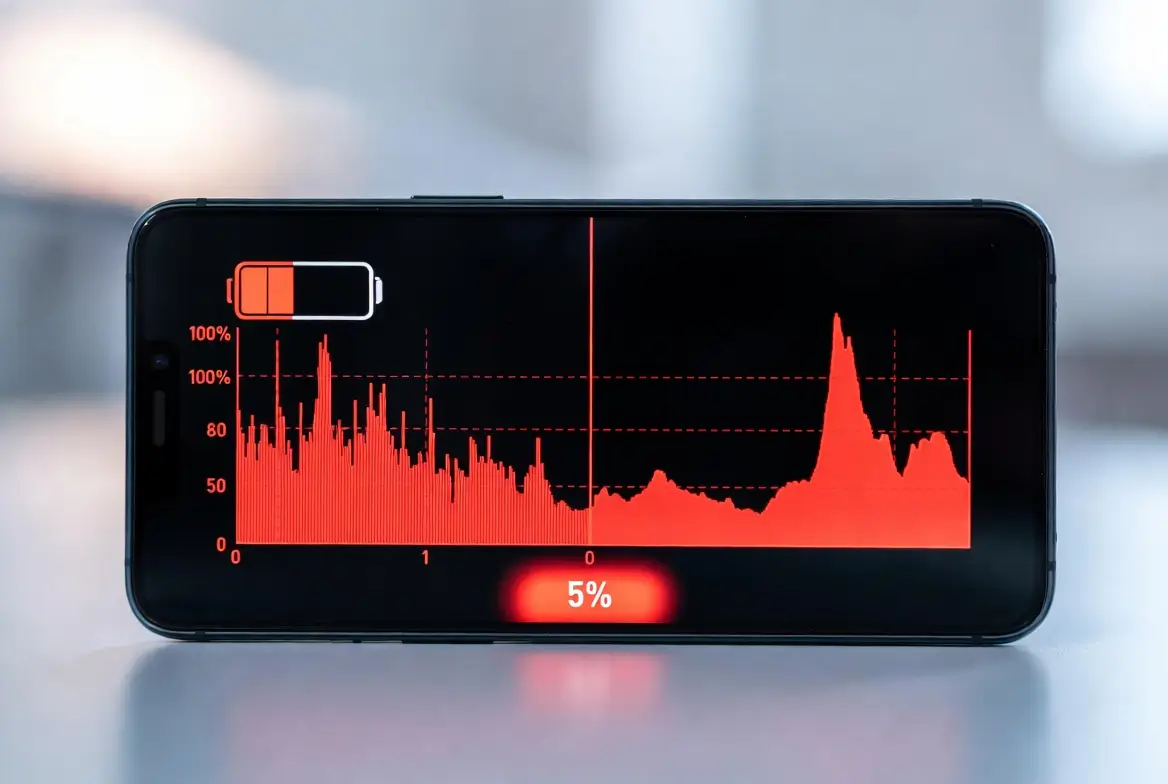
⚡ Introduction: Why Your Phone Battery Drains So Fast in 2026
Mobile Battery Fast Drain Fix is one of the most searched solutions in 2026 as smartphone users across the US and Europe struggle with rapidly draining batteries. Whether you are using an Android device or an iPhone, fast battery drain can affect your productivity, communication, and daily tasks. In this complete guide, you will learn how to fix battery drain issues, improve battery life, and optimize your phone using proven and practical methods.
Modern apps, AI-powered features, high refresh rate displays, and always-on connectivity are major contributors to battery drain. The good news is that with the right optimization strategies, you can significantly improve battery performance without replacing your device.
This comprehensive guide explains practical, advanced, and proven solutions to fix fast battery drain and extend your phone’s lifespan.
Table of Contents
🔍 Understanding Battery Drain: Root Causes Explained
⚠️ Common Reasons Behind Fast Battery Drain
🔹 Background Apps Running Continuously:
Background applications silently consume power even when you’re not actively using them. Apps like social media, email, and cloud services constantly refresh data, send notifications, and sync content. This continuous activity puts pressure on your CPU and battery, leading to faster drain. Limiting background processes ensures your phone only uses power when necessary. Proper app management can reduce battery consumption significantly and improve overall performance. Monitoring these apps regularly is essential for long-term battery health.
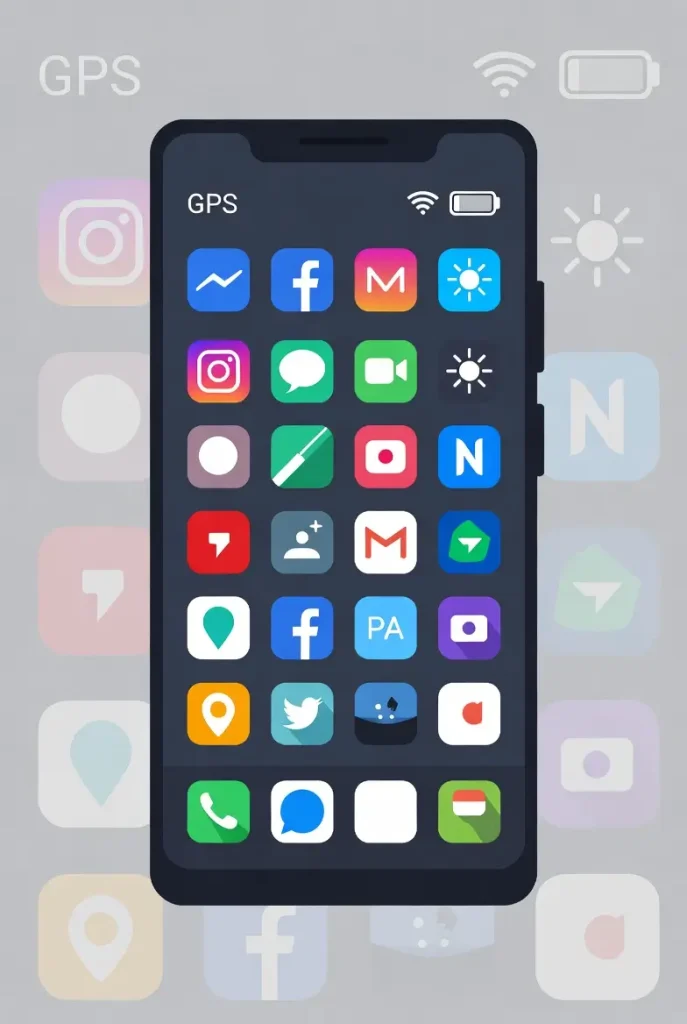
🔹 High Screen Brightness and Display Settings:
Your phone’s display is one of the biggest battery consumers. Keeping brightness at maximum or using high refresh rates drains energy rapidly. OLED and AMOLED screens can save power with darker themes, but excessive brightness overrides those benefits. Reducing brightness to moderate levels not only saves battery but also protects your eyes. Adaptive brightness can help balance visibility and efficiency. Adjusting screen settings is one of the fastest ways to improve battery life instantly.
🔹 Weak Network Signal:
Poor cellular reception forces your phone to work harder to maintain a connection. This increases power usage as the device continuously searches for a better signal. Users in rural areas, underground locations, or buildings often face this issue. Switching to Wi-Fi or enabling airplane mode in low-signal areas can prevent unnecessary battery drain. Network optimization is a key but often overlooked factor in battery performance.
🔹 Location Services Always Active:
GPS and location tracking services constantly update your position, which consumes a large amount of battery. Many apps request location access even when not needed. Limiting access to “only while using the app” significantly reduces power usage. Turning off location services entirely when not required is even more effective. Smart location management helps extend battery life without affecting usability.
🔹 Aging Battery Health:
Over time, all lithium-ion batteries degrade. After 2–3 years of usage, battery capacity naturally decreases. This results in faster drain and reduced performance. Monitoring battery health helps you understand when replacement is necessary. Proper charging habits can slow down this degradation. An old battery cannot hold charge efficiently, making optimization less effective.
⚡ Quick Fixes to Immediately Improve Battery Life
🚀 Instant Solutions That Work
✅ Restart Your Device Regularly:
Restarting your phone clears temporary glitches, stops unnecessary background processes, and refreshes system performance. Many apps and services run continuously without resetting, which can cause battery drain over time. A simple restart once or twice a week can stabilize your system and improve battery efficiency. It also helps apply updates properly and prevents overheating issues. This is one of the easiest yet most effective fixes available.
✅ Enable Battery Saver Mode:
Battery saver mode reduces background activity, limits performance, and disables non-essential features. This helps conserve energy during critical times. It is especially useful when your battery is low or when traveling. Activating this mode can extend battery life by several hours depending on usage. It automatically adjusts system behavior to prioritize essential functions.
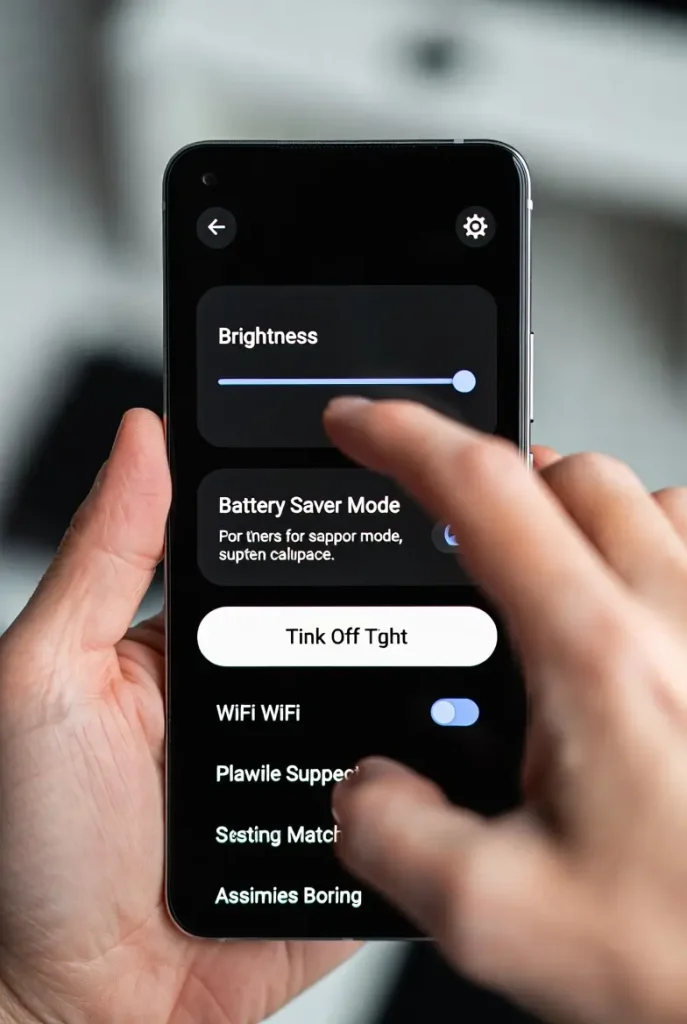
✅ Lower Screen Brightness:
Keeping brightness between 30% and 50% can significantly reduce battery usage. High brightness consumes more power than most apps. Lowering brightness not only saves battery but also reduces eye strain. Using adaptive brightness ensures your phone adjusts automatically based on lighting conditions. This small change can make a noticeable difference in daily battery performance.
✅ Disable Unused Connectivity Features:
Wi-Fi, Bluetooth, and mobile data continue searching for connections even when not in use. This background scanning consumes battery unnecessarily. Turning off these features when not needed helps conserve power. It also improves security and reduces interference. Smart connectivity management is essential for efficient battery usage.
⚙️ Advanced Battery Optimization Techniques
🔋 Deep-Level Optimization for Maximum Performance
🔹 Disable Background App Refresh:
Background refresh allows apps to update content automatically, which drains battery continuously. Disabling this feature ensures apps only update when opened. This reduces CPU usage and saves energy. It is particularly useful for apps that do not require real-time updates. Managing background activity is critical for long-term battery efficiency.
🔹 Optimize Network Usage:
Switching between networks intelligently can save battery. Using Wi-Fi instead of mobile data reduces power consumption. In low-signal areas, enabling airplane mode prevents constant signal searching. Network optimization helps maintain stable performance and reduces unnecessary energy usage. This is especially useful for travelers and remote workers.
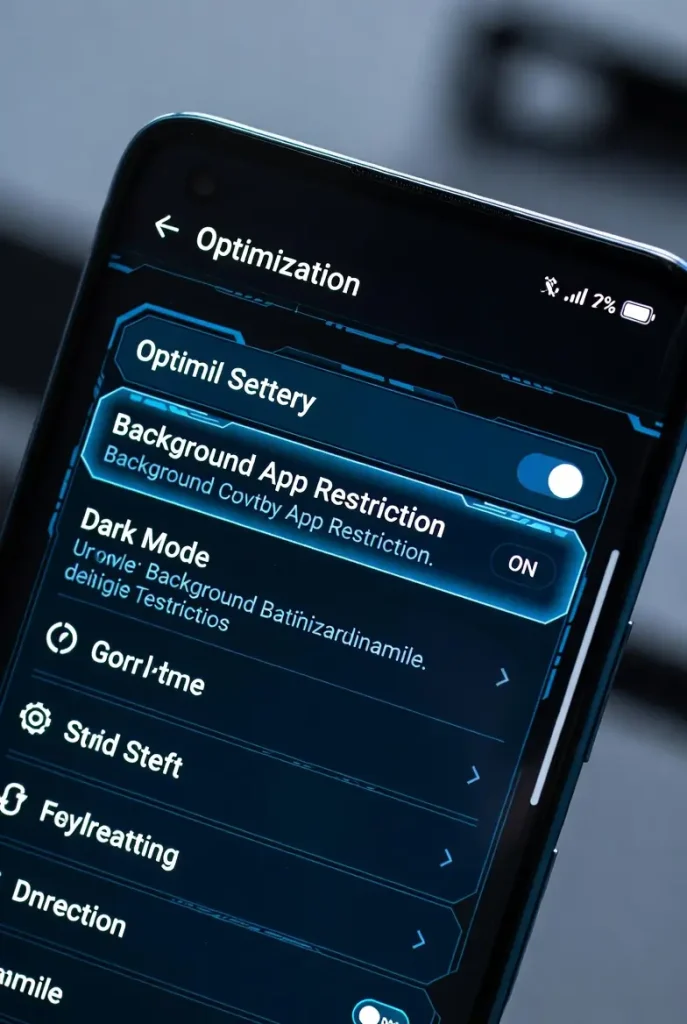
🔹 Manage App Permissions:
Many apps request unnecessary permissions such as location, camera, and background activity. Restricting these permissions reduces battery usage and improves privacy. Only allow access when necessary. Regularly reviewing app permissions ensures optimal performance. This step is often ignored but highly effective.
🔍 Hidden Battery Drainers You Must Disable
⚠️ Unknown Features That Kill Battery
🔸 Always-On Display:
Always-on display keeps parts of your screen active continuously. While convenient, it consumes battery throughout the day. Disabling this feature can improve battery life significantly. It is especially useful for users who do not rely on constant notifications visibility. Turning it off is a simple yet powerful optimization step.
🔸 Live Wallpapers and Animations:
Animated wallpapers use GPU resources continuously. This increases power consumption compared to static images. Switching to a simple wallpaper reduces load on the system. It also improves performance on older devices. Minimal visuals are better for battery efficiency.
🔸 Auto-Sync Services:
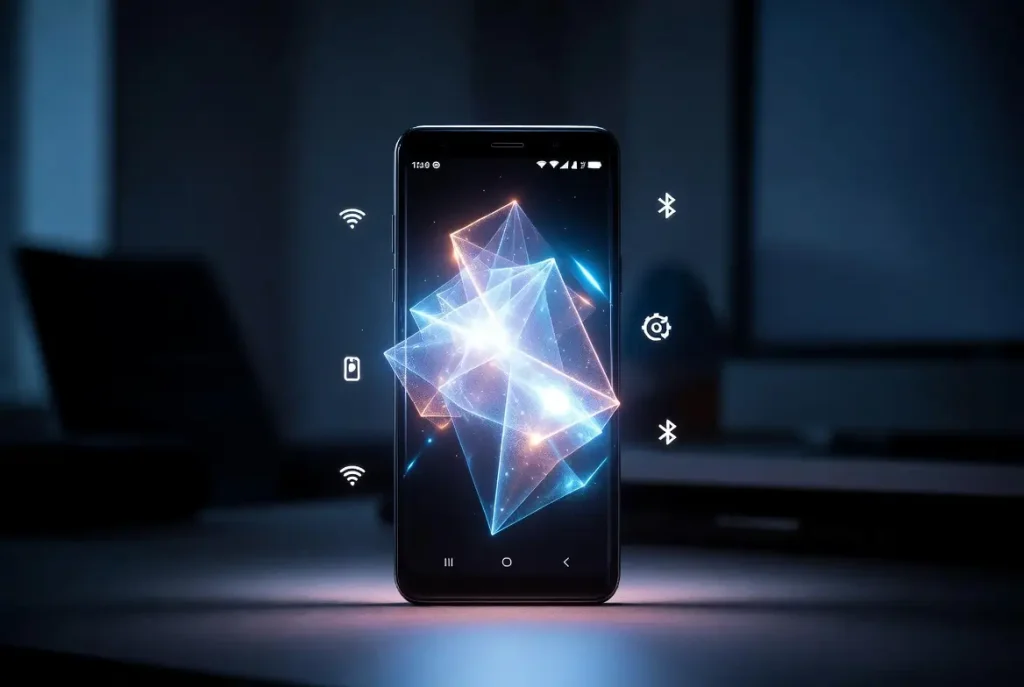
Auto-sync constantly updates emails, cloud data, and apps in the background. This process consumes battery and data. Reducing sync frequency or disabling it for non-essential apps saves power. Manual syncing is a better alternative for many users. Controlled syncing improves both battery and performance.
📱 App-Level Battery Management
🔍 Identify and Control Battery-Draining Apps
🔹 Monitor Battery Usage:
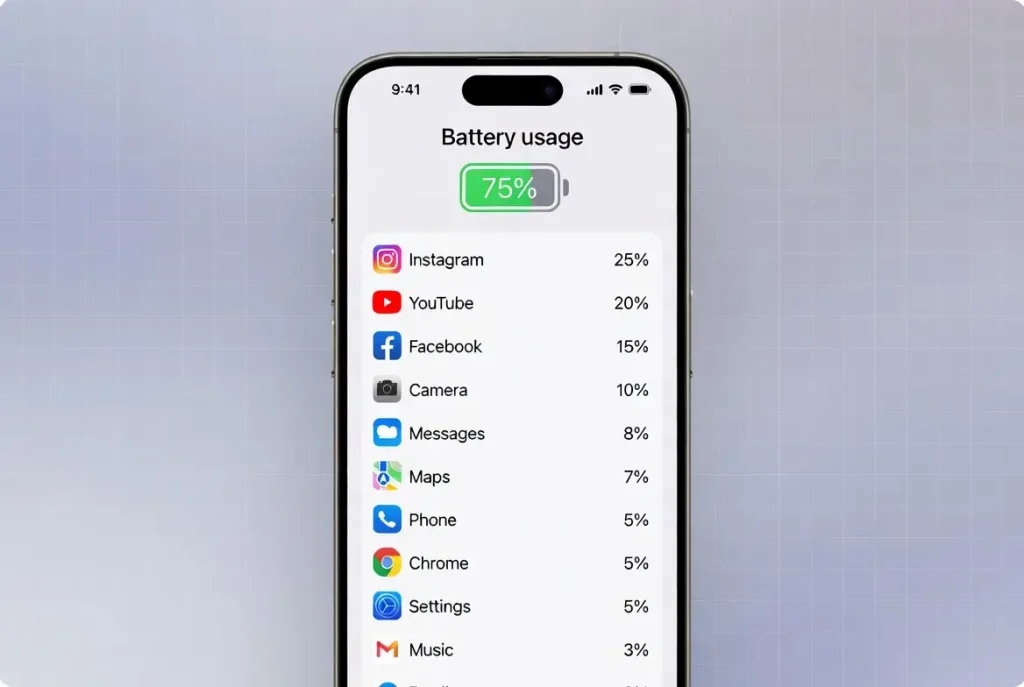
Checking battery usage helps identify which apps consume the most power. Once identified, you can take action by limiting or removing them. This ensures efficient resource allocation. Regular monitoring is essential for maintaining battery health. It provides insights into usage patterns and optimization opportunities.
🔹 Uninstall or Replace Heavy Apps:
Some apps are poorly optimized and consume excessive battery. Replacing them with lighter alternatives improves performance. Removing unnecessary apps also frees up system resources. This leads to better battery life and faster device operation. Minimalism is key to efficiency.
🔌 Charging Habits That Damage Battery
⚠️ Avoid These Common Mistakes
🔻 Overcharging Your Phone:
Charging your phone to 100% regularly puts stress on the battery. Keeping it between 20% and 80% extends lifespan. Overcharging generates heat, which accelerates battery degradation. Smart charging habits are essential for long-term health.
🔻 Using Phone While Charging:
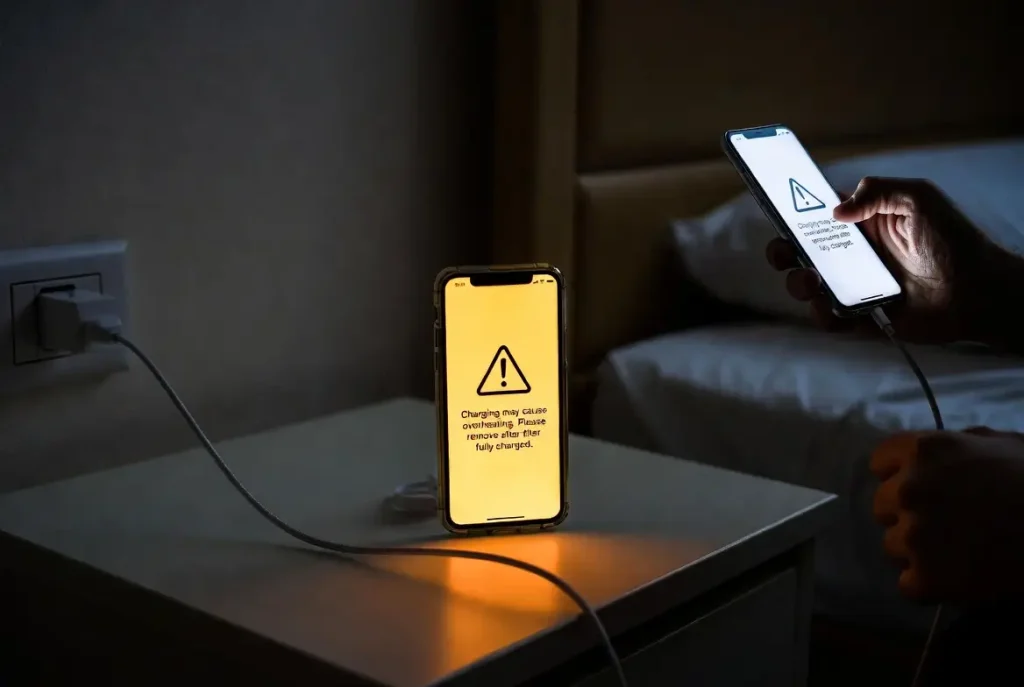
Using heavy apps while charging increases heat and slows charging speed. This damages battery health over time. Allow your phone to charge without interruption for best results. Heat management is crucial for battery longevity.
🔋 Battery Health and Longevity Tips
🌱 Maintain Your Battery Like a Pro
🔹 Avoid Extreme Temperatures:
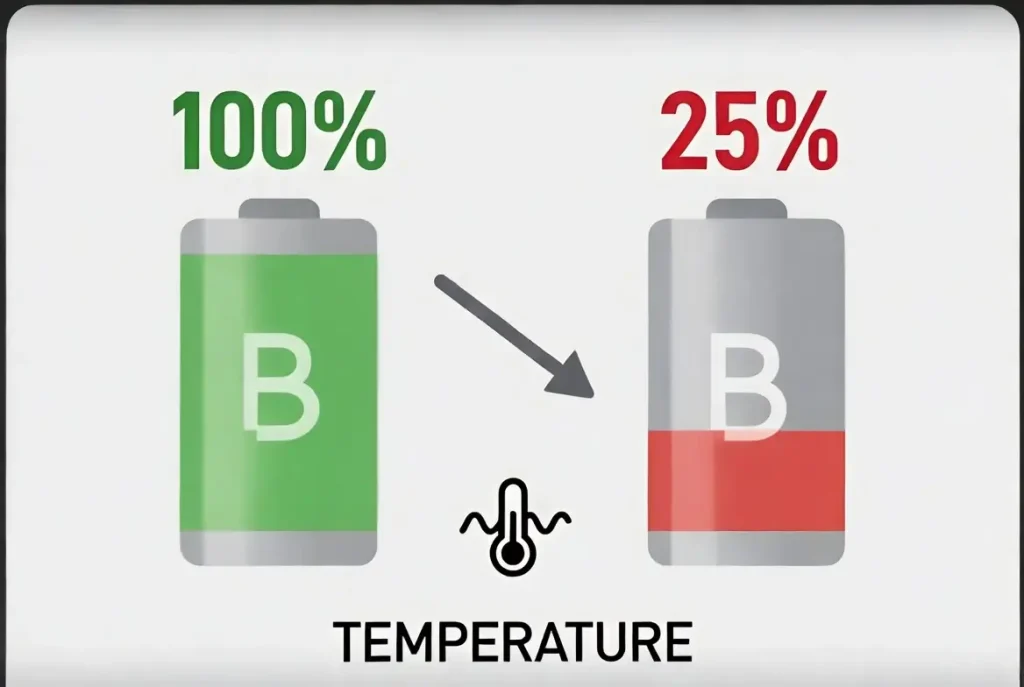
Heat and cold both negatively affect battery performance. Keeping your phone in moderate temperatures ensures stability. Avoid direct sunlight and hot environments. Temperature control is one of the most important factors in battery care.
🔹 Regular Battery Calibration:
Calibrating your battery occasionally helps maintain accurate charge readings. This improves performance and reliability. It ensures your phone displays correct battery percentages. Proper calibration enhances user experience.
📊 Android vs iPhone Optimization Differences
🤖 Android Optimization:
- Adaptive battery features
- Custom app restrictions
- Flexible system controls
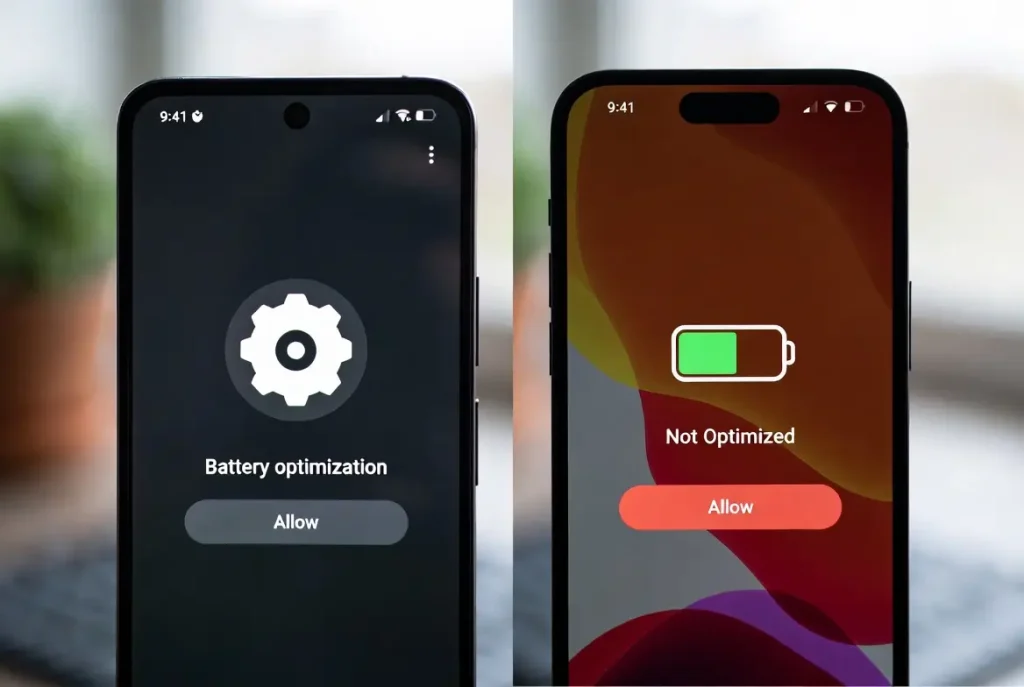
🍎 iPhone Optimization:
- Optimized charging
- Efficient iOS background management
- Consistent performance updates
💡 Pro Tips for Maximum Battery Life
✔ Use Dark Mode:
Dark mode reduces power usage on OLED screens by turning off pixels. This leads to noticeable battery savings. It also improves readability in low-light conditions.
✔ Reduce Screen Timeout:
Shorter screen timeout prevents unnecessary battery usage. Setting it to 15–30 seconds is ideal. This ensures your screen turns off quickly when not in use.
🧾 Conclusion: Fix Battery Drain the Smart Way
Fast battery drain is a common issue, but it is completely manageable with the right approach. By optimizing settings, managing apps, and following proper charging habits, you can significantly improve battery performance.
Consistency is key. Small changes combined together can deliver powerful results.
❓ FAQs
❓ Why is my phone battery draining so fast even when not in use?
Background apps, poor signal, and system processes continue running even when your phone is idle, causing battery drain.
❓ Does dark mode really save battery?
Yes, especially on OLED screens, dark mode reduces power consumption by turning off unused pixels.
❓ How often should I charge my phone?
It is best to keep your battery between 20% and 80% for optimal lifespan.
❓ When should I replace my phone battery?
If your battery health drops below 80% or drains very quickly, replacement is recommended.





Wow, this paragraph is pleasant, my sister is analyzing these kinds of things,
therefore I am going to inform her.
Thank you so much for your kind words! I’m really glad you found the paragraph helpful. Please feel free to share it with your sister—I hope she finds it useful as well. I’d love to hear her thoughts and feedback too!
It’s great that you are getting ideas from this paragraph as
well as from our dialogue made here.
This is a really interesting topic. Many people don’t
realize how important prompt structure is.
Even small tweaks can completely change the final result.
I’ve been testing different prompt combinations lately.
I found a few useful resources recently. Thanks for sharing your
insights.